Generate cinematic "Then vs Now" selfie content with iconic movie characters. Complete 2-step prompt system + animation workflows.
What's Inside This Guide
This is the selfie niche — AI generates behind-the-scenes photos of movie characters taking selfies with their older real-life selves. Think young Neo from 1999 taking a selfie with Keanu Reeves today. These videos get insane engagement because they tap into nostalgia and the "what if they met" fantasy.
How It Works
Step 1: Paste the first prompt into any AI chatbot — it auto-generates 10 character prompts for any movie or series you name. Step 2: Use the selfie prompt to pair the "then" character with their "now" version in a behind-the-scenes selfie. Step 3: Animate with 5 ready-made Kling prompts (walk-in, selfie, hug, transition). The whole workflow takes minutes per video.
Step 1: Generate Base Images
Step 1 Prompt
Movie/Series Name: [INSERTHERE]
Generate a comprehensive list following this exact structure:
Research and identify the top 10 most relevant and iconic actors/actresses from [INSERT NAME HERE]
For each actor, create a complete Nanobanana Pro prompt in JSON format that includes:
Format for each actor:
ACTOR [NUMBER]: [Real Actor Name]
Nano...
Unlock Full Guide
Get both prompts, step-by-step workflow, example results, and 5 animation prompts for Kling.
Copy & paste this entire prompt block below into any AI chat bot — Gemini, Grok, Claude, or whatever you prefer. Don't forget to insert the name of the movie or series.
Step 1 — Paste this entire block
Movie/Series Name: [INSERTHERE]
Generate a comprehensive list following this exact structure:
Research and identify the top 10 most relevant and iconic actors/actresses from [INSERT NAME HERE]
For each actor, create a complete Nanobanana Pro prompt in JSON format that includes:
Format for each actor:
ACTOR [NUMBER]: [Real Actor Name]
Nanobanana Pro Prompt:
json
{ "subject": "[Character Name] from [Movie/Series Name] [Year]", "background": "The background is the most iconic filming set associated with [Character Name], includes distant film crew, subtle cinema equipment, authentic backstage atmosphere. Every detail fully sharp and in focus.", "composition": { "shot_type": "medium shot", "expression": "smiling at the camera", "framing": "leave a little bit of margin over the head" }, "technical_specifications": { "camera": "iPhone 15 Pro Max", "lens": "24mm", "aperture": "f/11", "background_sharpness": "fully sharp and in focus (no blur)", "image_quality": "100% clean—no text, no letters, no grain", "style": "raw, clean, and digital with zero film grain, zero blur, and no filters", "aesthetic": "high-quality snapshot taken just now, candid and unfiltered" }, "negative_prompt": "phone visible, camera visible, age changes, aging, de-aging, wrong faces, mixed identities, middle face hidden, wrong framing, shallow depth of field, blur, grain, text, logos, watermark, CGI skin, unnatural proportions, airbrushed skin, smoothed texture, exaggerated pores" }
CRITICAL REQUIREMENTS:
DO NOT interpret or fill in the bracketed placeholders
ONLY replace: [Character Name], [Movie/Series Name], and [Year]
Use the CHARACTER NAME in the prompt, NOT the actor's real name (e.g., "Jack Dawson" not "Leonardo DiCaprio")
Each character will have their own iconic filming set background that is recognizable and related to their specific role
The negative prompt and iPhone 15 Pro Max specifications must be included in EVERY prompt exactly as written
Generate all 10 actors with complete prompts
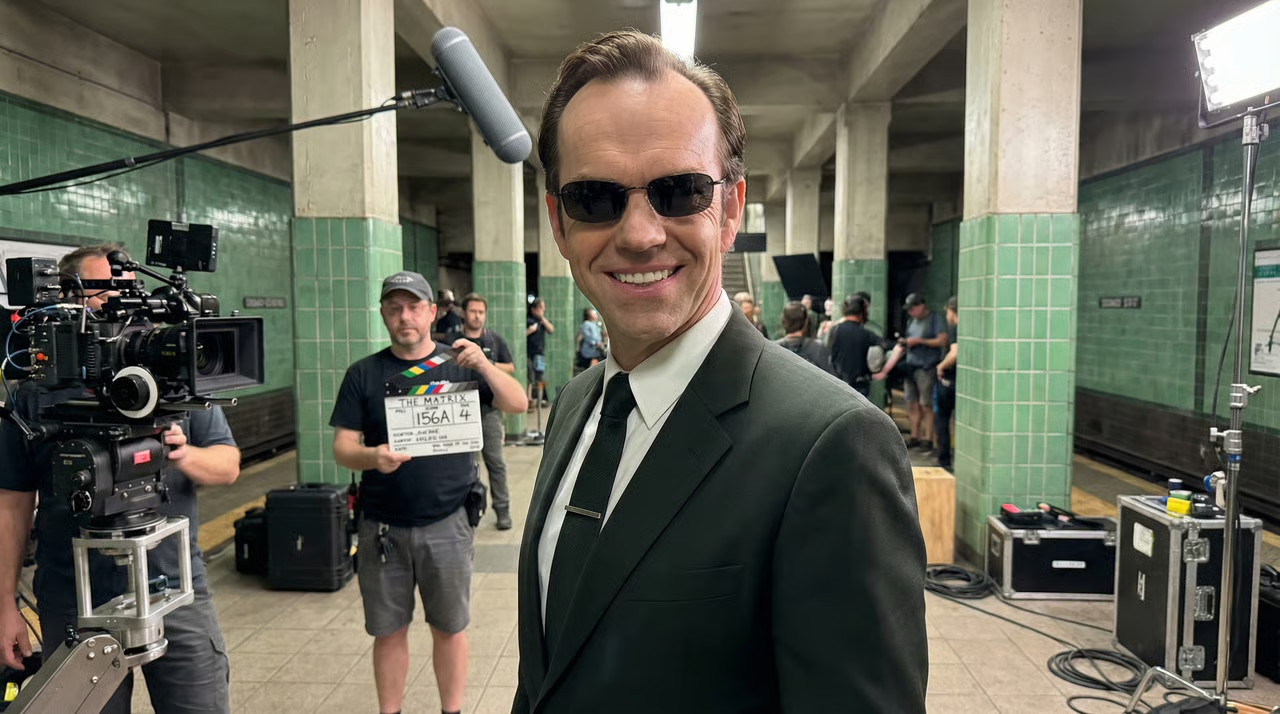
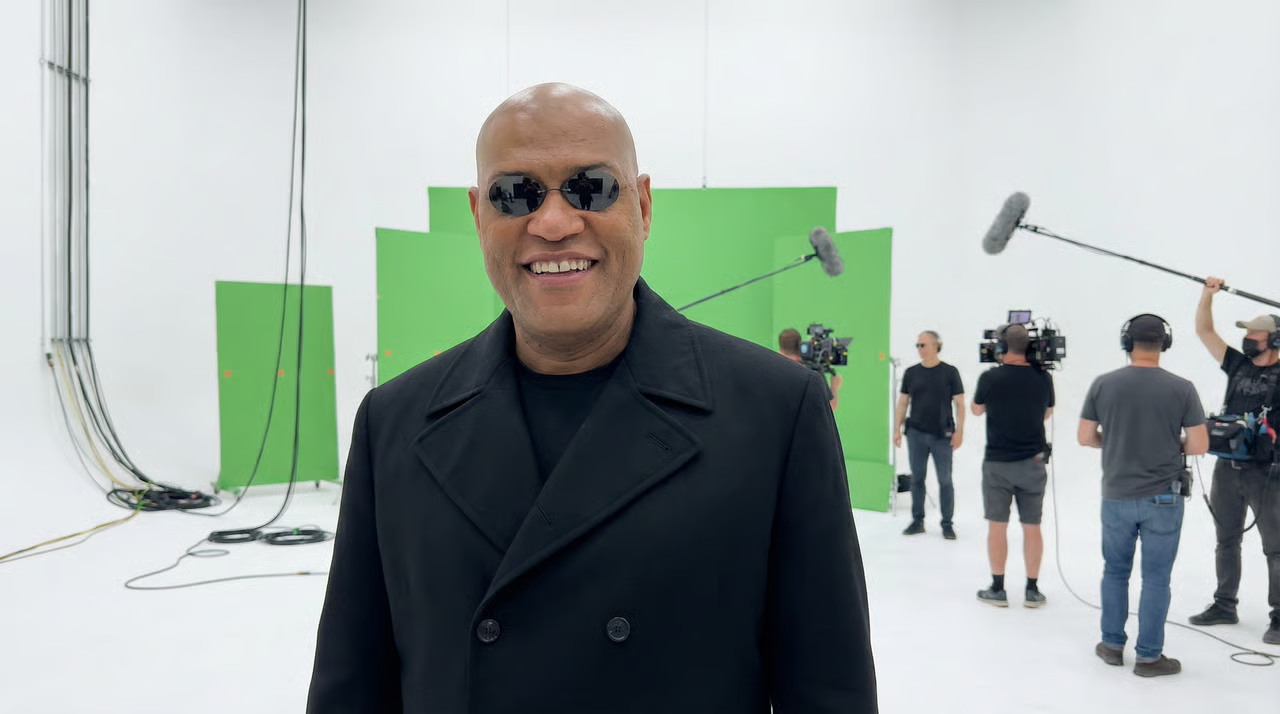
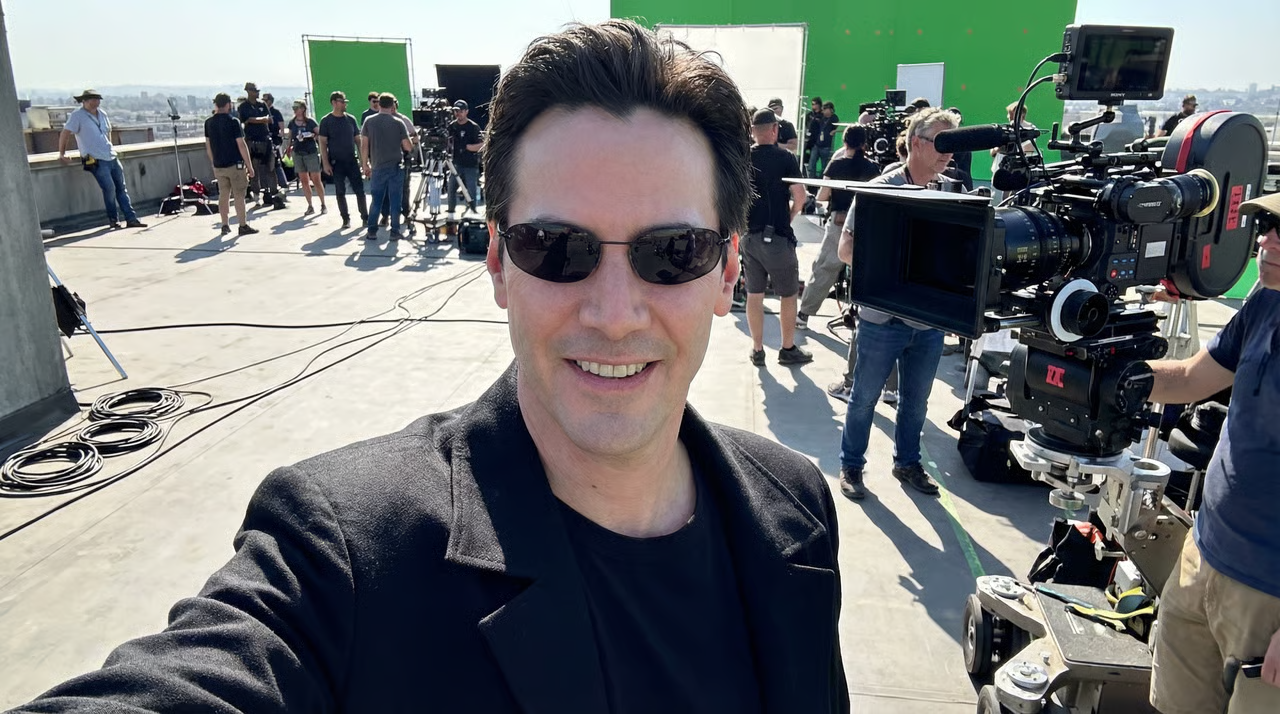
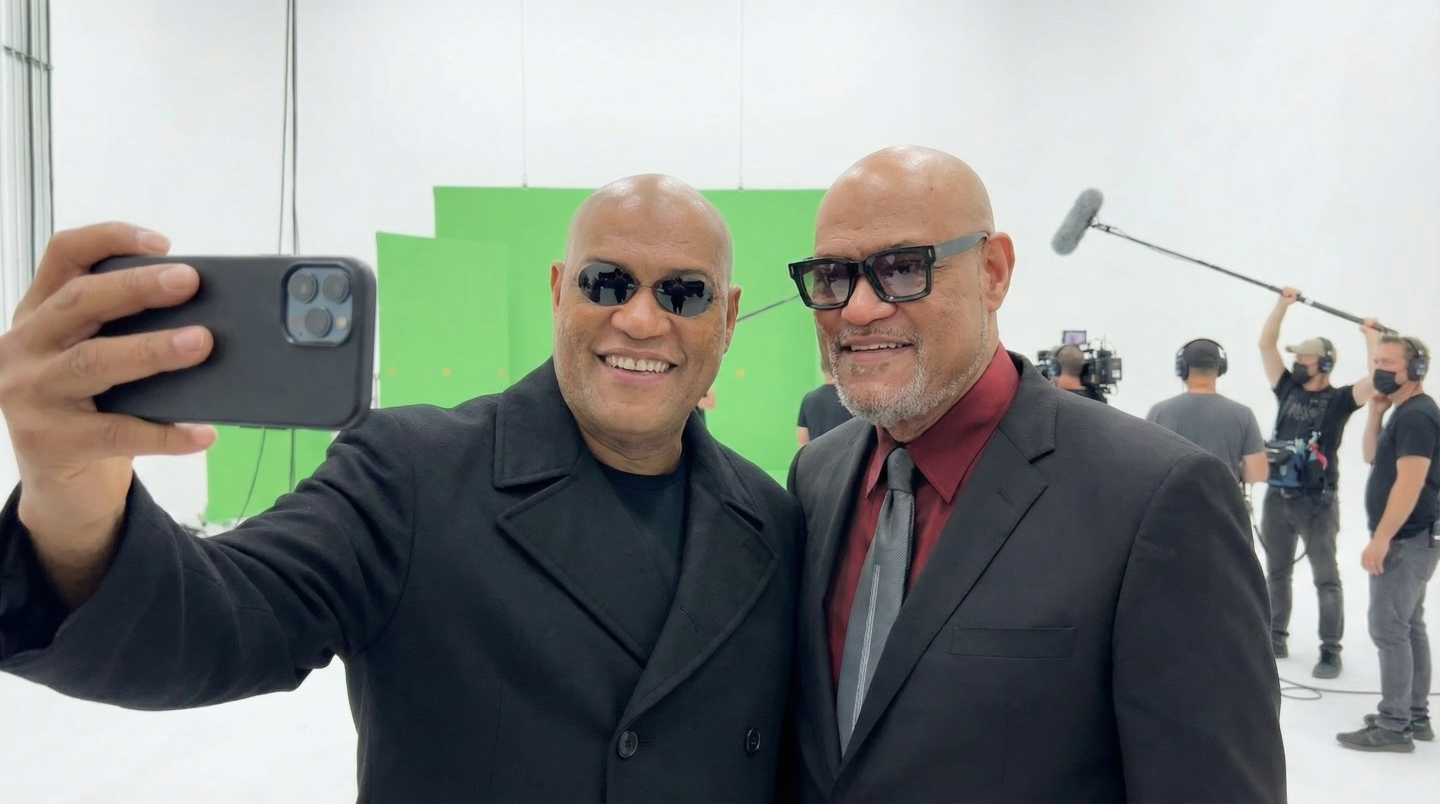
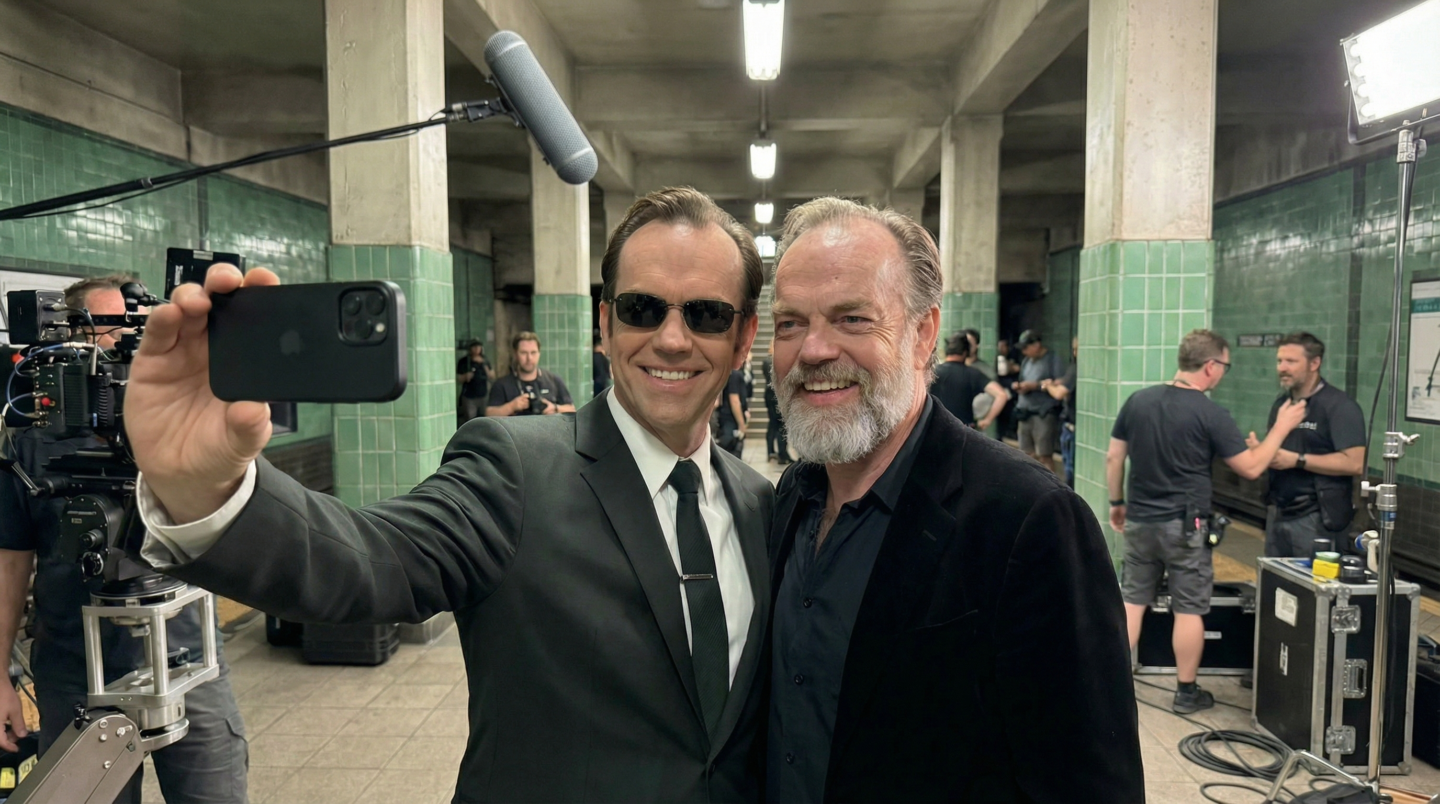
These are some of the images I was able to generate when I wrote 'Matrix'
Step 2 · Add the "Now" Selfie
Step 2
Absolutely fantastic isn't it? Now let's add the 'Now' version next to them
Use the images from Step 1 as 'Base Image' + 1 reference image of the 'Now' version of the character/actor.
Step 2 — Selfie Prompt
{
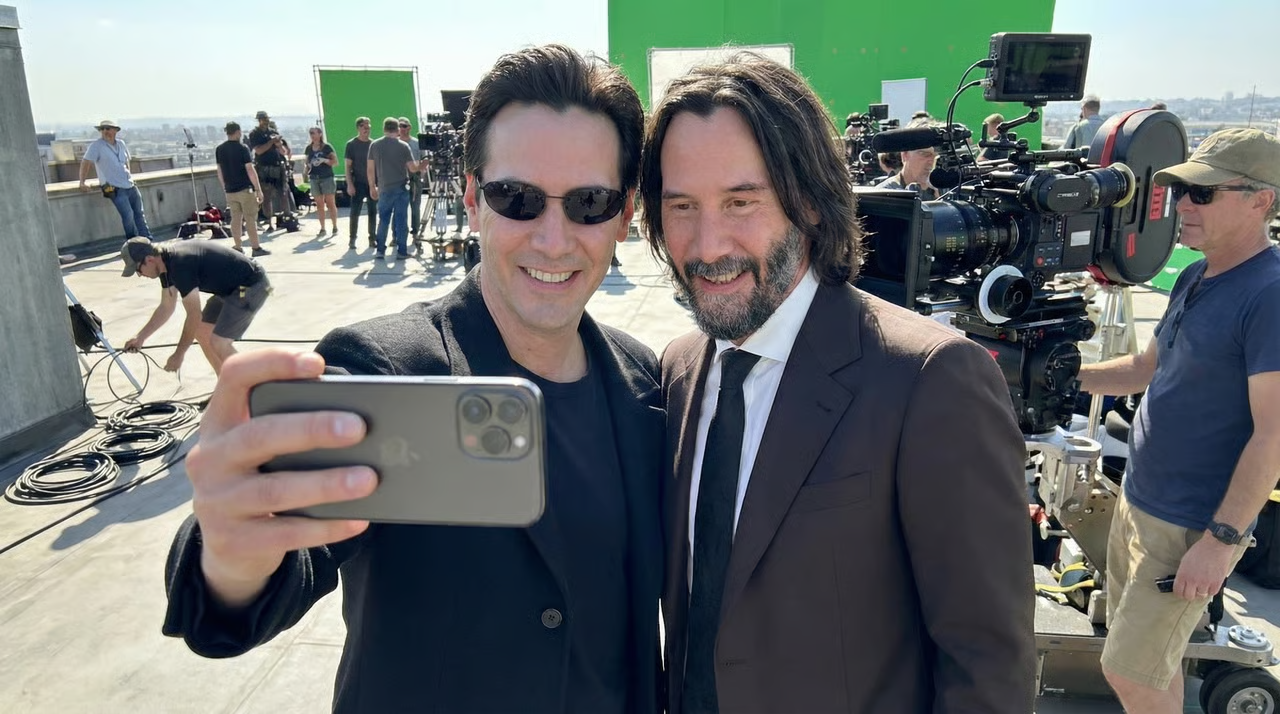
"prompt": "A candid behind-the-scenes photo on a movie set where two people are taking a happy selfie together with a smartphone held at arm's length. The person on the left is holding the phone with the back of the phone visible to us. Both people are smiling warmly at the phone's camera with genuine joy and camaraderie. The composition shows them standing close together in a natural, friendly pose typical of onset crew photos. The movie set background is slightly shifted to the left in frame compared to the original position. People in the background have naturally moved and changed their poses, engaged in different activities and positions as time has passed. Natural lighting, authentic behind-the-scenes atmosphere, spontaneous moment captured, professional film set environment visible in background.",
"negative_prompt": "aging, de-aging, age changes, facial alterations, different faces, modified features, airbrushed skin, beauty filters, face smoothing, wrinkles removed, wrinkles added, facial surgery look, different bone structure, altered jawline, different nose, different eyes, different smile, model-like perfection, unrealistic skin, plastic look, CGI faces, deepfake appearance, face swap artifacts, blurred faces, distorted faces, multiple heads, deformed faces, amateur photo, bad quality, artificial poses, staged studio look, frozen people, static background people, mannequin-like background, copy-paste background, removed accessories, removed hat, removed sunglasses, removed glasses, changed clothing, different outfit, outfit modifications",
"reference_images": [
{
"id": 1,
"weight": 1.0,
"influence": "character_primary",
"instruction": "100% IDENTITY FIDELITY: This person's facial features, bone structure, eye shape, nose, mouth, jawline, skin texture, age, and every facial detail must be pixel-perfect match to this reference. NO modifications whatsoever. This person maintains their EXACT appearance including ALL accessories (hat, sunglasses, glasses, jewelry, etc.) and EXACT same outfit/clothing. This person is positioned on the LEFT side of the selfie, holding the phone with the back of the phone visible."
},
{
"id": 2,
"weight": 1.0,
"influence": "character_secondary",
"instruction": "100% IDENTITY FIDELITY: This person's facial features, bone structure, eye shape, nose, mouth, jawline, skin texture, age, and every facial detail must be pixel-perfect match to this reference. NO modifications whatsoever. This person is now standing next to the first person in the selfie on the RIGHT side, both smiling at the phone camera."
}
],
"composition": "The camera angle has shifted - the background that was in the original frame is now shifted to the left in frame. The person from the base image is on the LEFT holding the phone with the phone's back visible to the viewer. Both subjects are in close proximity, natural selfie framing. Behind-the-scenes movie set visible in background shifted leftward in frame, with background people in different natural poses and positions compared to the original moment.",
"identity_lock_enforcement": "CRITICAL: 100% IDENTITY FIDELITY REQUIRED. Every subject's face must be pixel-perfect match to their reference image. NO age changes, NO aging, NO de-aging, NO facial alterations, NO feature modifications, NO skin smoothing, NO beauty enhancements. Preserve exact facial geometry, textures, and characteristics from references. The base image person must keep EXACT same clothing, accessories, hat, sunglasses, glasses, and all worn items WITHOUT any changes.",
"style": "authentic behind-the-scenes photography, natural candid moment, realistic smartphone selfie aesthetic, genuine on-set atmosphere, unposed spontaneous energy",
"technical_specs": "maintain exact facial features from both references, background consistency with first reference but shifted left in frame, background people in naturally different poses and activities (not frozen), phone back visible, base image person on left side holding phone with exact same outfit and all accessories preserved"
}
And these are the results
Step 3 · Animate
Now it's time to animate these images.
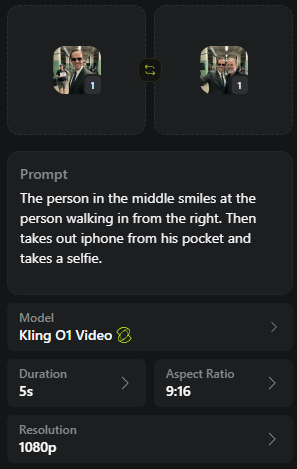
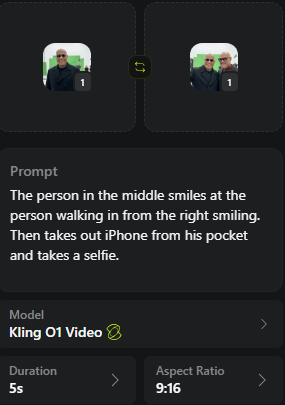
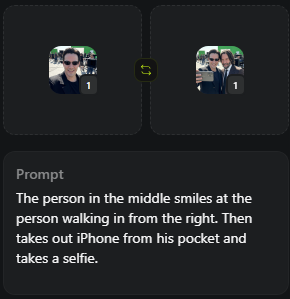
Clip 1 Kling O1
The person in the middle smiles at the person walking in from the right. Then takes out iPhone from his pocket and takes a selfie.
Now from the couple to the next person
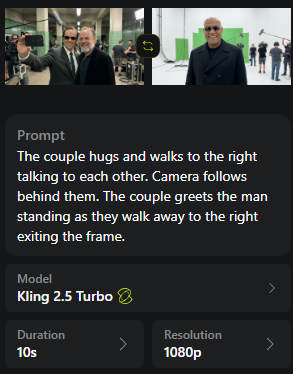
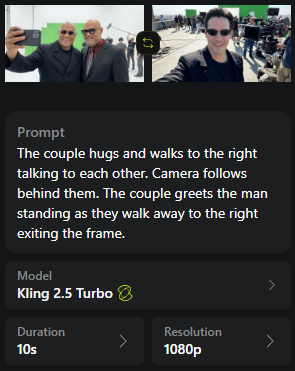
Clip 2 Kling 2.5 Turbo · 10 sec
The couple hugs and walks to the right talking to each other. Camera follows behind them. The couple walks away to the right exiting the frame.
And now repeat the same steps as above :)
Clip 3
Clip 4
Clip 5
That's it!
Focus on delivering emotions as best as you can and you'll do much better than that channel above :)